

Thanks to Modelia, the quality of our catalog has improved in both performance and look & feel, while also increasing our automation capabilities.

Change small details in photos with Image Inpaint
Transform any photo instantly with Modelia's AI Image to Image Generator. Use our intuitive brush tool to select areas you want to modify, describe what you need and let the AI do the rest.
Whether you're fixing details, enhancing visuals or adding creative elements, Modelia helps you reimagine your photos with stunning accuracy.
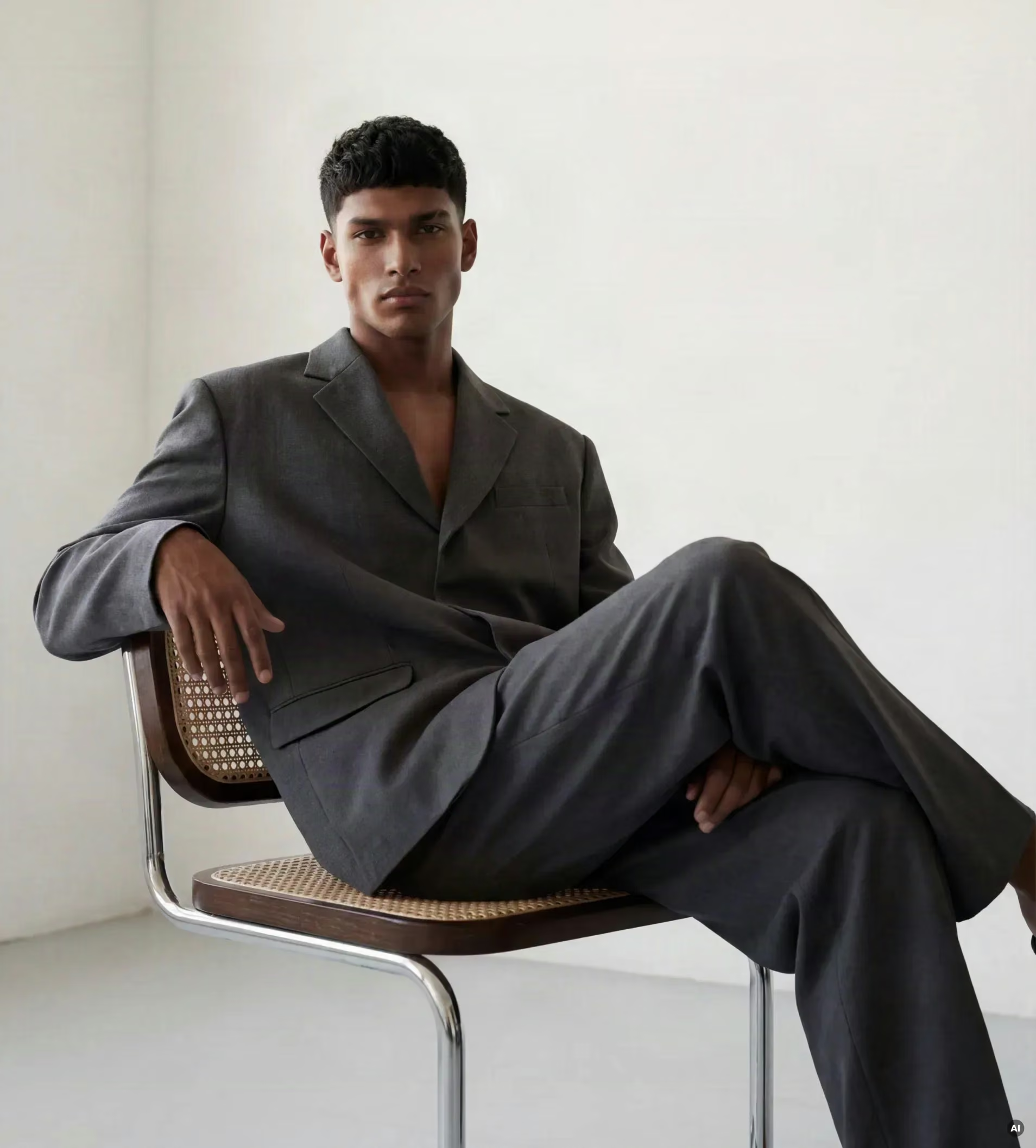


From adding accessories to fixing imperfections, modify specific areas of any photo using simple text prompts. Generate seamless, natural-looking edits for product images, campaigns or creative projects in seconds.


Use the intuitive brush tool for area-specific modifications with pixel-perfect control.

AI maintains realistic lighting, color harmony and texture continuity in every edit.

Generate professional-quality results within seconds.

Ideal for retouching, product design and concept visualization.

Fix small imperfections in hands, faces or accessories automatically with precision.

Seamlessly introduce new objects or design details that blend naturally into your images.

Upgrade visuals for eCommerce, advertising, and creative campaigns with professional quality.

Automate complex photo adjustments and eliminate hours of manual retouching.
Thanks to Modelia, the quality of our catalog has improved in both performance and look & feel, while also increasing our automation capabilities.
Modelia has helped us create content more quickly and showcase our products, allowing us to present them in a dynamic and varied way.

Modelia has helped us speed up our creative processes and improve our collections. By improving our service level, Modelia help us in strengthening our customer relationship.

I've started using Modelia and we've been pleasantly surprised by how well it works and the quality of the images. It's definitely a great choice for the times we're in. We still need to explore the app a bit more, but so far it looks very promising. Also, the technical support is excellent and they respond very quickly.

I will give it to you without the fluff. Modelia is the closest to a consistent character I have found; it is user-friendly, and the tools keep amazing me. I have not left the site for another yet.

This app does it all! One is only limited by one's own creativity - Easy to use; with superb realistic results, and in this AI world you do actually get a real person to talk to and help when needed. I was able to create a whole new collection without the stress and expense of a complicated photo shoot, and plan to use for much more.
Simon Southwood
Modelia has been a game changer for our online store. The tools are intuitive, fast, and produce high-quality, realistic mockups, much better than other platforms we've tried. We also really appreciate the flexible pricing and outstanding customer service: fast, helpful, and personal. We're excited to keep using it and explore its full potential.
Chris Delaney
Great content generation and excellent customer support. Compared to other AI tools, Modelia delivers high-quality results (around 90% are very good) at a reasonable cost. The support team is fast, helpful, and efficient, resolving issues quickly and even assisting with content generation when needed.
Jenna Scoble
Highly recommended 100%. I was quite hesitant at first because I thought I wouldn't know how to use it, but I'm honestly very surprised and really happy with the results. It's amazing, to be honest. They explain all the options clearly, and if you have any questions, they respond quickly. I totally recommend it.
Cristina Infantes Ruito
New to AI, I found Modelia intuitive and easy to use, especially for applying products to models. The tutorials for the video features are useful, and the fast, helpful customer support gave me confidence in using the platform.
Lee
From a Flat lay to an impressive Model... From a Flat lay to an impressive model wearing my garment.... I love it!!!!
Freddie
I'm very satisfied with Modelia, the output quality is high, it's easy to use, and overall very reliable. I especially value the level of control through prompts, and I've found that shorter clips work better for motion. I'm also using the API, and even though it's not cheap, I think it's definitely worth the investment.
Utahna Hunter

The service they offer is excellent and very easy to understand. In my case, it helps me save time and costs by using the platform. I’ve also had the chance to meet and chat with Ivan, CEO and founder of Modelia, who was very kind and attentive. I 100% recommend it.
Andres Yoon
Modelia is very user-friendly and easy to get started with. The standout is the exceptional customer service, with quick responses even from the CEO on a Sunday. It has become a core part of my creative workflow, and I highly recommend it for both its usability and support.
Laurie Day


AI IMAGE TO IMAGE GENERATOR
FASHION-FIRST DESIGN & SUPPORT
Have a question?
Have questions or ready to start transforming your fashion business with AI? We’re here to help! Reach out and let’s create something amazing together.
Contact Us