

Table of Contents
If you’ve ever looked at your pet and thought, “You deserve your own art piece,” you’re not alone. The rise of AI pet portrait generators in 2025 has made it easier than ever to transform your furry friends into digital masterpieces. Whether you’ve got a sleepy cat, an energetic dog, or even a mischievous parrot, these tools can turn their photos into adorable artwork in just seconds.
Over the past few months, I’ve tested some of the best AI pet portrait platforms available, from simple web tools to more advanced creative generators, and I was honestly surprised at how good some of them are. The technology has evolved to the point where these portraits don’t just look realistic; they capture a bit of your pet’s personality too.
Let’s take a look at the best AI pet portrait generators you can try right now, what makes each one stand out, and how you can create a beautiful piece of digital art for your favorite companion.
Why Everyone’s Obsessed with AI Pet Portraits
Pets are usually considered part of the family and just like we frame photos of loved ones, more and more people are framing portraits of their pets, because they’re not only cute, they’re personal. It is a great way to remember them forever and having always them at home.
These portraits make perfect gifts, keepsakes or even profile pictures and AI technology is now capable of creating detailed, painterly textures and lifelike lighting, the results are truly stunning. Whether you prefer something realistic or cartoonish, an AI pet art maker can create it instantly.
How AI Pet Portrait Generators Work
Most AI tools work in a similar way: you upload a clear photo of your pet, ideally one with good lighting and no filters and the AI analyzes it to recreate your pet in a chosen style. It can render your cat as a Renaissance painting, your dog as a comic hero or even your rabbit as a royal portrait.
Behind the scenes, these platforms use deep learning models trained on thousands of image styles. Some let you tweak colors, backgrounds, or outfits, while others automatically generate several options for you to choose from. It’s fun, fast, and surprisingly emotional seeing your pet turned into a piece of art never gets old.
My Favorite AI Pet Portrait Generators
PetArt AI
PetArt AI has become a favorite among pet owners for its wide range of artistic styles. You can choose from realistic oil paintings, vintage posters, watercolor designs, or modern digital art. What impressed me most was how it kept the small details, the shine in the eyes, the texture of fur, beautifully accurate. It’s super easy to use too. Upload your photo, pick a style, and you’ll have your digital portrait in minutes.
Best for: Realistic pet portraits and premium-quality art prints.
Fotor AI Pet Art Maker
If you want something fast and user-friendly, Fotor’s AI pet art maker is ideal. It’s built for social media users and pet influencers who want high-quality digital portraits without the fuss. You can generate dozens of styles, from Pixar-like illustrations to stylized pop art, and even add custom backgrounds.
The tool works surprisingly well on both dogs and cats, especially when your image has clear contrast and lighting.
Best for: Quick, colorful portraits for social media or gifts.
Modelia
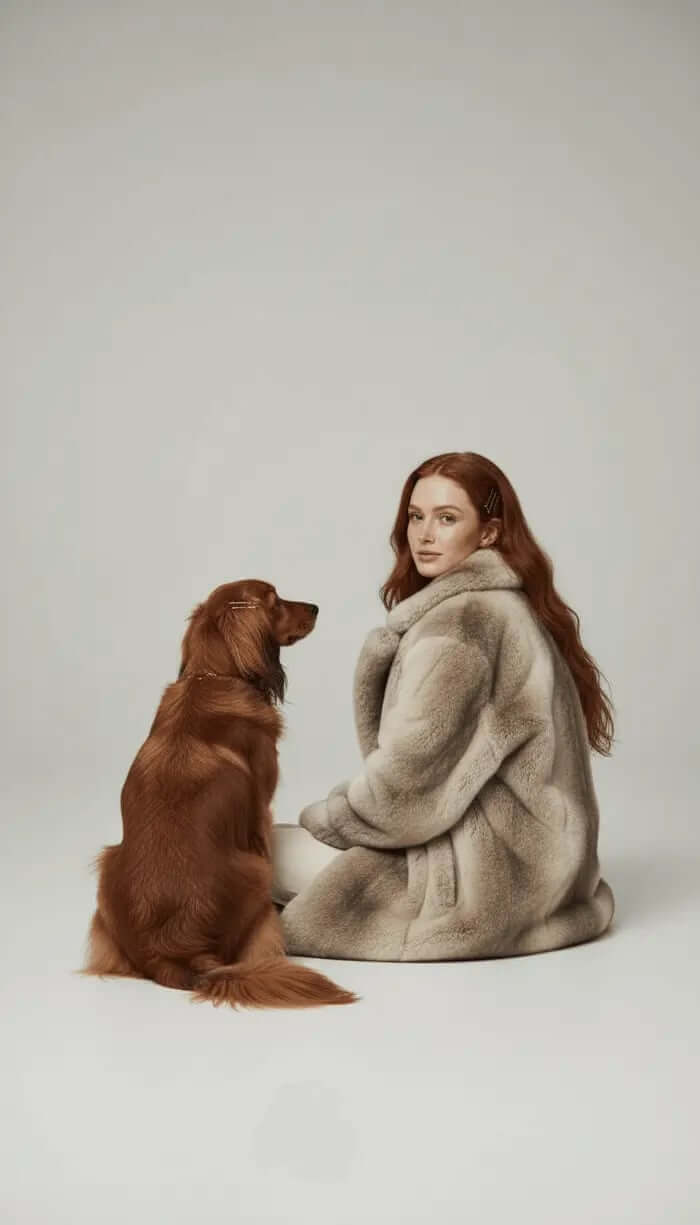
Modelia isn’t just for fashion, it’s one of the most creative tools I’ve tested for visual generation in general. Its precision and attention to realism make it an amazing choice for pet art too. Using its AI styling and rendering engine, you can generate lifelike images of your pet in themed settings, from cozy winter backdrops to cinematic scenes.
The best part is the control it gives you. You can adjust lighting, poses and mood, creating not just a portrait, but a visual story around your pet.
Best for: Artistic, editorial-style pet portraits with creative flair.
NightCafe Studio
NightCafe has long been one of the best AI art generators, and it works beautifully for pet portraits. You can experiment with hundreds of art styles and easily combine them to find your favorite look. The output feels painterly and detailed, giving your pet a touch of classic art sophistication.
It’s also a community platform, so you can share your artwork or browse what other pet lovers have created for inspiration.
Best for: Artistic users who like to experiment and customize styles.
Bing Image Creator (DALL·E 3)
Microsoft’s Bing Image Creator, powered by DALL·E 3, is an easy way to make pet portraits without any setup or cost. You can simply type a description like “a golden retriever in a royal outfit, oil painting style” and the tool will generate several realistic and funny results.
It’s free, fun, and surprisingly accurate. Great if you want something quick and creative for your phone wallpaper or social feed.
Best for: Fun, playful, and free pet art experiments.
Tips for Getting the Best Results
If you want your AI pet portrait to come out beautifully, here are a few simple tips:
Use a clear, high-quality image. Avoid blurry or dark photos.
Keep the focus on your pet. Don’t use group photos or busy backgrounds.
Experiment with angles. Try close-ups of your pet’s face for detailed results.
Play with different styles. Realistic, cartoon, watercolor you’ll be surprised what works best.
Edit lightly. Once you get the result, you can adjust brightness or contrast for that final touch.
Why Modelia Stands Out
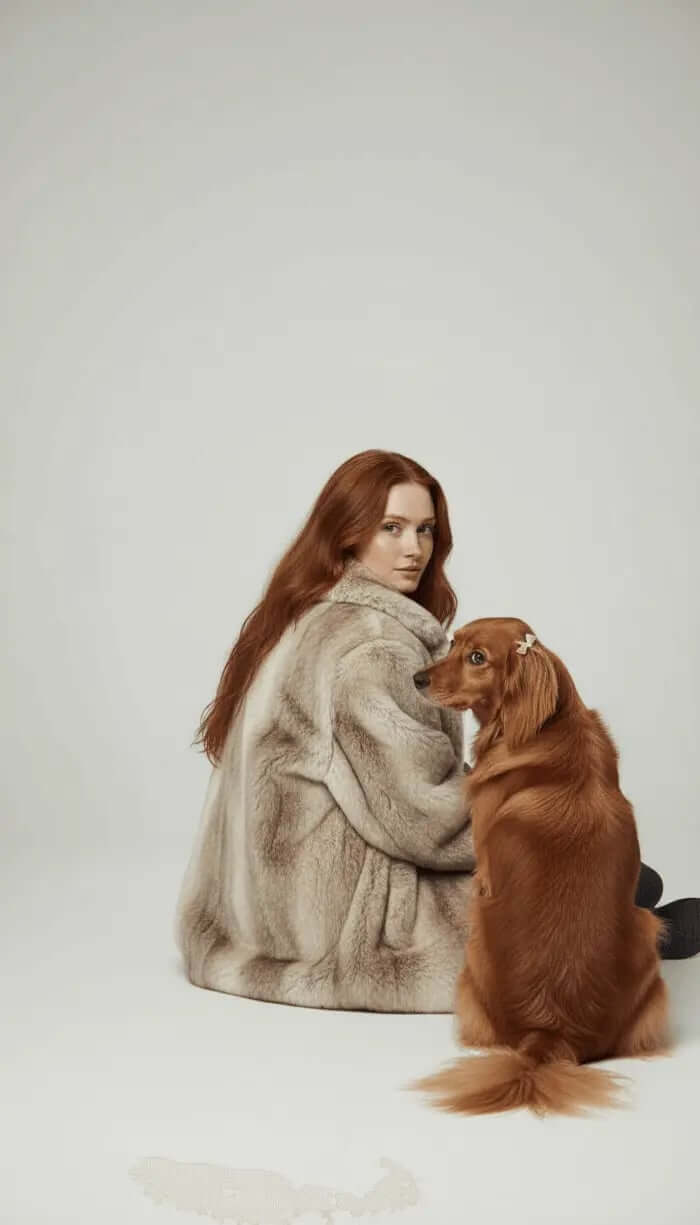
While most AI tools focus on generating static portraits, Modelia adds something unique, it blends creativity with professional grade visual rendering. Its AI systems can recreate textures, lighting, and even mood in a way that feels cinematic.
What makes Modelia special for pet art is its realism. If you upload a clear picture of your dog or cat, you can generate multiple variations: playful, elegant, or even styled like a magazine cover. And if you’re a brand, creator, or small business selling pet accessories, Modelia’s visuals are perfect for marketing campaigns.
It’s a glimpse into where AI visual storytelling is heading, smart, fast, and emotionally resonant.
The Joy of AI Pet Art
At its core, creating an AI dog portrait or AI cat portrait isn’t about technology. It’s about connection. It’s about celebrating the little expressions, the quirks, and the love pets bring into our lives every day.
There’s something really touching about seeing your pet turned into art, a royal portrait, a dreamy illustration, or a cinematic still. It’s a reminder that even in a world full of algorithms and pixels, creativity still comes from emotion. AI just gives it form.
Final Thoughts
AI pet portrait generators have completely changed how we capture our pets’ personalities. What used to require hours of manual work or an expensive commission can now happen in seconds — and still look stunning.
From fun filters to professional-grade visuals, there’s a tool for everyone. Whether you want something playful or deeply artistic, platforms like Modelia, Fotor, and NightCafe let you bring your furry friends to life in a whole new way.
And as AI technology continues to grow, these portraits will only get better, more detailed, more personal, and more expressive. Because at the end of the day, every pet deserves their own masterpiece.
Visit Modelia and keep learning about fashion and AI
FAQs: AI Pet Portrait Generators
1. What is an AI pet portrait generator?
It’s a tool that uses artificial intelligence to transform your pet’s photo into a digital artwork, in styles ranging from realistic to cartoon or fantasy-inspired.
2. Are AI pet portraits free to create?
Some tools like Bing Image Creator are free, while others like Modelia or PetArt AI offer premium features for higher-quality results.
3. Can I print my AI-generated pet portrait?
Yes. Most platforms let you download high-resolution images suitable for printing on canvas, posters, or gifts.
4. What types of pets can I use?
Pretty much any! Dogs, cats, birds, rabbits... as long as your photo is clear, the AI can work with it.
5. Why should I use Modelia for pet portraits?
Because it combines AI precision with artistic depth, allowing you to create realistic, high-quality visuals that feel professional and personal at the same time.


