

Modelia · Tools · UGC Image Generator
AI UGC Image Generator for Fashion
Upload a garment. Modelia’s AI generates fashion UGC photos with an AI-generated wearer — phone aesthetic, candid pose, intentionally imperfect. The person is always AI-generated. Real people are never used as source images.
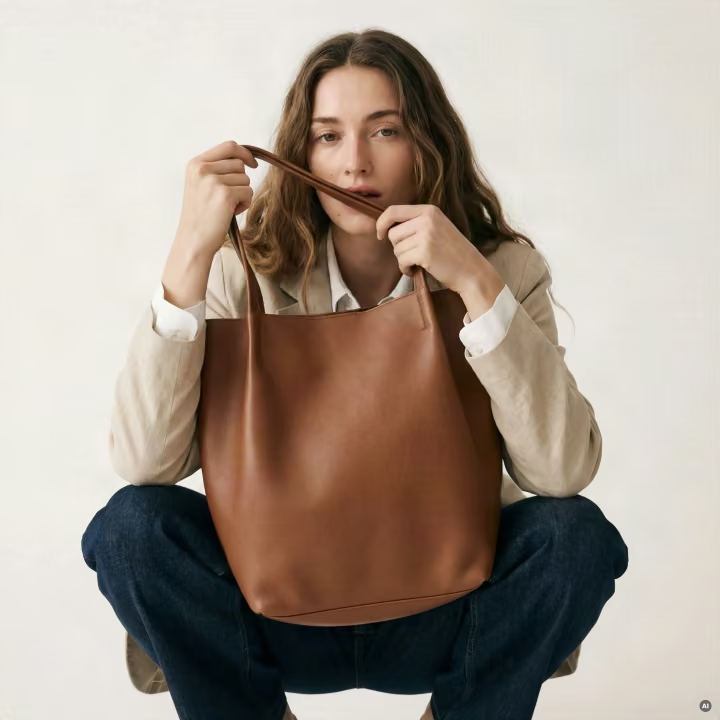
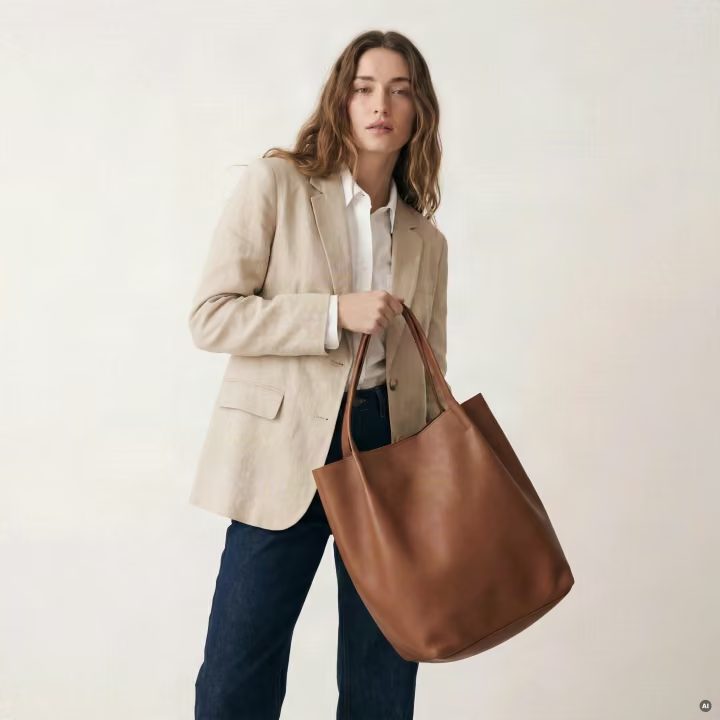
Built for the vertical
UGC photos for fashion & apparel brands
Built specifically as UGC for fashion brands — DTC labels, marketplaces, resellers, and creators producing apparel UGC photos at scale. The model is tuned for clothing: drape, fit, fabric weight, print fidelity, and the styling cues that read as a real customer post rather than a studio ad.
Drop in a flat-lay, hanger, or mannequin shot and the tool returns a candid moment with the garment worn by a brand-new AI-generated person — the kind of fashion UGC that performs on Instagram, TikTok, and PDP pages without sourcing a creator for every SKU.
What it does
Turn a garment photo into UGC-style content
Upload a flat-lay, hanger, mannequin, or product shot. The AI generates a brand-new wearer and stages a candid-looking moment around the garment — phone-camera light, slight grain, natural pose. The result reads as something a real person snapped, not a fashion shoot.
Use the output for ad creative, paid social testing, Amazon and Shopify PDP variants, marketplace listings, and lookbook drafts. Apparel UGC photos generated this way can be produced in batches without booking a model or a studio day.
Try it now
Generate UGC photos.
Upload between one and five garment images. Add an optional vibe. The wearer will be AI-generated; the output is intentionally imperfect to read like real UGC.
Drop garment photos here, or click to browse
PNG · JPG · WEBP · up to 5 files · 10MB each
Garments only — flat-lay, hanger, mannequin, or product shots are best. Portraits and selfies will be refused.
0/300
Free tool, lighter model — garment details may not be fully accurate. For true-to-product imagery, use the Modelia AI Fashion Lab at Modelia.AI.
The process
How to generate AI UGC photos
- 01.
Upload garments
Flat-lay, hanger, mannequin, or product shot. Up to five photos, PNG / JPG / WEBP.
- 02.
Set a vibe
Optional: mirror selfie, golden hour, bedroom, gym bag — short prompt, the AI fills in.
- 03.
Moderation pass
Server refuses portraits, named real people, NSFW, branded IP, minors. Garments only.
- 04.
AI generates the wearer
A brand-new AI-generated person — new face, new body — staged candidly in the garment.
- 05.
Save your favorites
Open results in the lightbox and download as PNG.
Our image-handling policy
AI-generated wearers, never real people
No real people in, no real people out
If you upload a portrait, headshot, or selfie, the system refuses. Uploads must be of the garment — flat-lay, hanger, mannequin, or product shot. This protects against impersonation and against using anyone’s likeness without consent.
The wearer is always generated
Even when the uploaded photo incidentally shows a person wearing the garment as product photography, the AI generates a brand-new person — new face, new body, new pose. No identity, no facial features, no biometric details are carried over from the input.
Why it looks imperfect
UGC is supposed to look like UGC.
The garments may sit a little off the body. Light may be uneven. The face may not be magazine-finished. Pose, expression, and framing may feel a touch casual or mid-motion. Much of this is deliberate.
UGC reads as something a real person snapped on their phone — not a fashion shoot. We optimise for that authenticity over polish, because polished images read as ads and don’t perform the way creator-style content does.
One thing to keep in mind: this is a free tool, so it runs on a lighter version of our model. That means garment details won’t always be reproduced exactly — fit, print, and finer details can drift. If you need precise, true-to-product on-model imagery, that’s the Modelia AI Fashion Lab, powered by our most capable model. Register at Modelia.AI to access it.
For brands
Plug in your own AI models
This free public studio uses Modelia’s house wearer. Once you create a free Modelia account, you can plug in your own custom-trained AI models — brand-specific wearers, your own house demographics, your own moodboards — and run them through the same pipeline.
Saved generations, batch runs, and the full Modelia toolkit unlock at signup. That’s the path teams take when they need scaled UGC for fashion brands at PDP volume.
Contact us
Get in touch.
Questions about Modelia, the UGC Image Generator, partnerships, or support — send a message using the same form we use across modelia.ai.
FAQ